By the Third Eye Marketing team · Updated 14 October 2026 · 5 min read
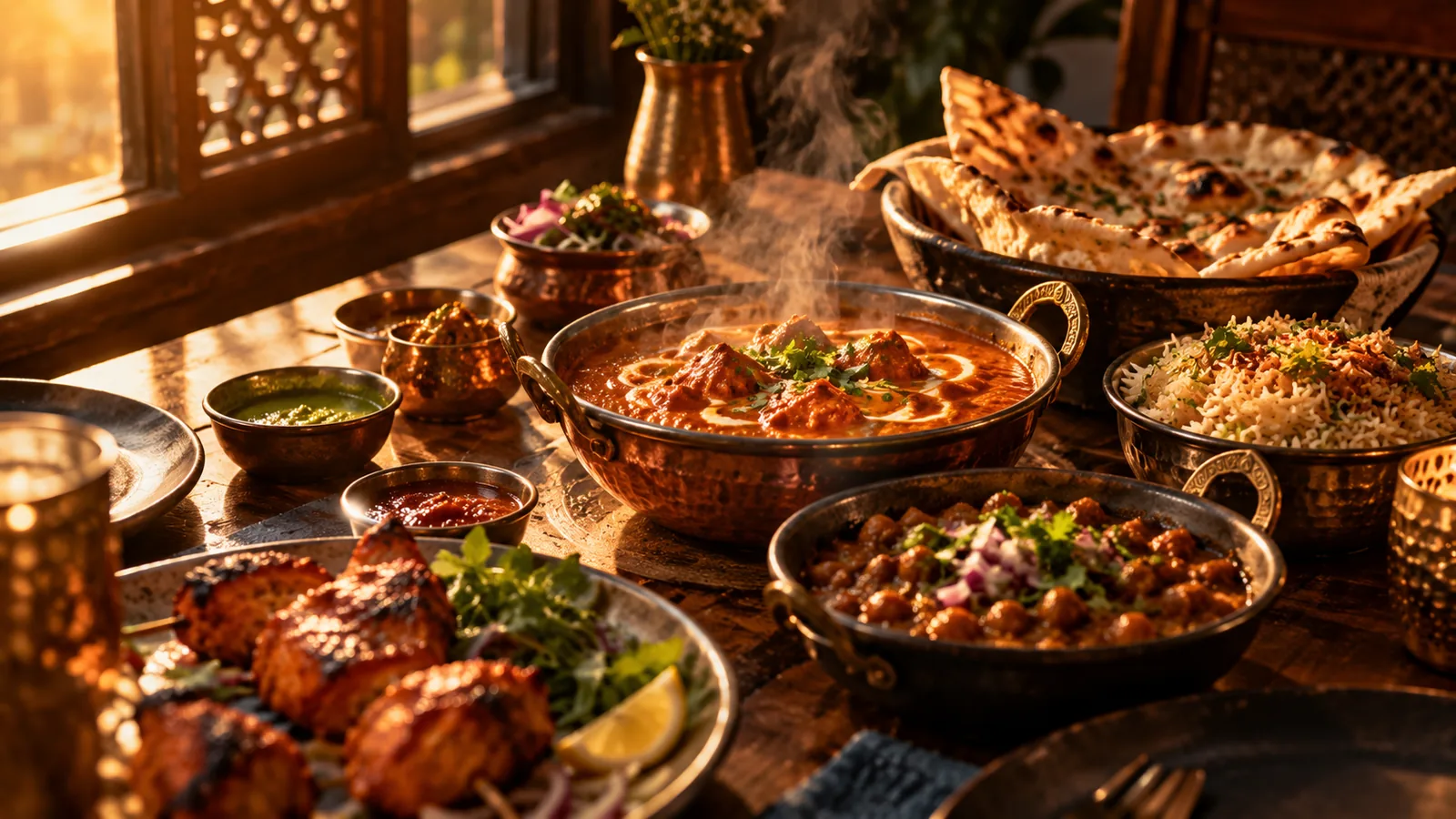
The short answerPublish your menu as real text on a page of your website, with dish names, short descriptions, dietary tags and price ranges, keep a clean PDF only as a download, add structured data, and keep it identical to your Google profile and delivery listings. Text can be read, quoted and recommended; an image of a menu usually cannot.
The problem with PDF menus
A PDF or an image of a menu is hard for search engines and AI assistants to read, slow on a phone and awkward to update. Guests searching for “butter chicken Surrey” or “vegan options near me” may never see you because the words are not on a page.
What to publish instead
- A menu page of real text, grouped by section, with each dish name as a heading and a one-line description.
- Dietary and allergen tags such as vegetarian, vegan, gluten-aware and nut-free, only where accurate.
- Price ranges or exact prices, kept current.
- Photos with descriptive alt text for signature dishes.
- A downloadable PDF as a convenience, not as the only menu.
Add structured data
Mark up your restaurant, its opening hours and a link to the menu, and optionally the menu sections and items, so machines read them accurately. Keep the markup identical to what is visible on the page.
Keep it accurate
Your menu appears on your website, Google profile, delivery apps and directories. Out-of-date prices or dishes erode trust and confuse assistants. Update all of them together. Read our Google Business Profile guide and see restaurant website design.
Sources
- BrightLocal, AI directory sources study, 26 August 2026 (US, UK and Australia; 60,970 checks across Google AI Overviews, AI Mode and ChatGPT; Canada was not covered).
Keep reading